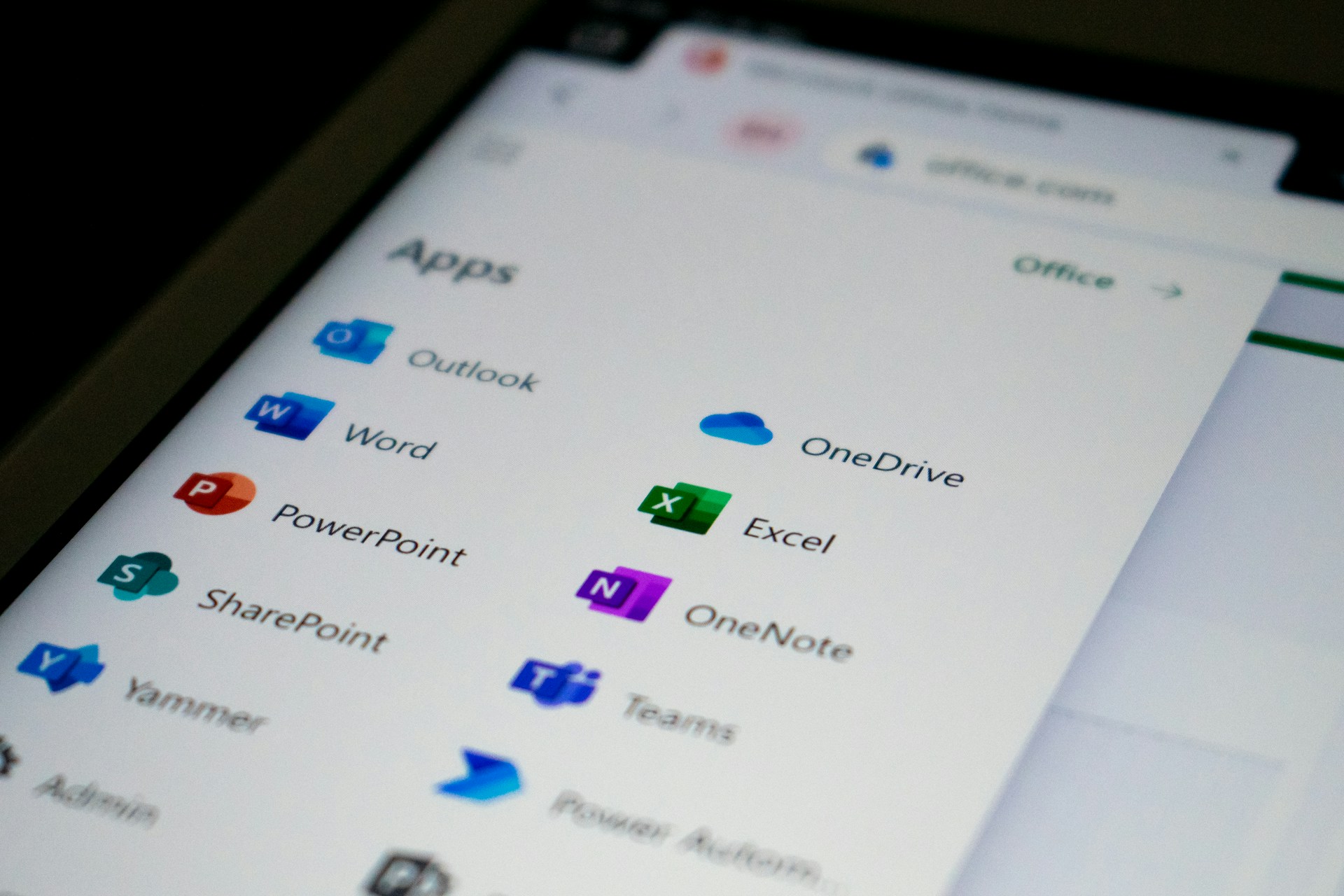
Most businesses use Microsoft 365 every day. Outlook for emails, Teams for meetings, Word, Excel and probably a few SharePoint folders that nobody quite remembers creating. But if you're paying for Microsoft 365 Business Premium, you might have access to considerably more than you realise. Alongside the familiar Office applications, Business Premium includes a range of security and device management tools designed to help protect your business.
The question is whether you're actually using them.
Antivirus is important, but modern cyber security needs to go further. Microsoft Defender for Business provides endpoint protection, including capabilities to help detect, investigate and respond to suspicious activity on business devices.
If you're already paying for Business Premium, it's worth checking whether Defender for Business has been deployed and configured correctly.
How many laptops and computers does your business manage? And more importantly, do you know whether they're all receiving updates, using appropriate security settings and meeting your company's requirements?
Microsoft Intune helps businesses manage devices, apply security policies and control access to company information.
It's particularly useful when employees work remotely or use laptops across different locations.
Business Premium includes Microsoft Entra ID P1, which provides additional identity and access management capabilities. One particularly useful feature is Conditional Access. This allows businesses to control access to applications based on conditions such as user identity, device compliance and location. For example, you might want to restrict access from unmanaged devices or require additional authentication in certain circumstances.
Phishing emails remain one of the biggest cyber security headaches for businesses.
Microsoft Defender for Office 365 Plan 1, included with Business Premium, provides additional protection against malicious links, attachments and other email threats.
Microsoft explains the available protection features in its Defender for Office 365 documentation.
It's worth checking which policies are enabled rather than assuming everything is automatically configured exactly as your business needs it.
Having Microsoft 365 Business Premium licences doesn't automatically mean every available security feature is being used.
Some tools need deploying, others need configuring and certain settings should be reviewed as your business changes.

And if you're paying for separate security or device management products, it may be worth reviewing whether you're duplicating functionality. That doesn't necessarily mean cancelling anything. Dedicated security solutions may provide additional capabilities, and the right combination depends on your requirements. But it is worth knowing what you're already paying for!
If you're not sure which Microsoft 365 licences your business has, what security features are enabled or whether your devices are being properly managed, we can help. At Espi, we support businesses with Microsoft 365, IT security and managed IT services. We can review your existing setup, explain what's included and identify anything that might need attention. You might discover you've already got some rather useful tools sitting there waiting to be switched on.
Although we'd recommend letting your IT team handle that bit rather than pressing buttons to see what happens! 😊
📧 support@espi.net
📞 01954 213999
➡️ Endpoint Detection and Response (EDR)
➡️ Remote Monitoring and Management (RMM)